
Jump to
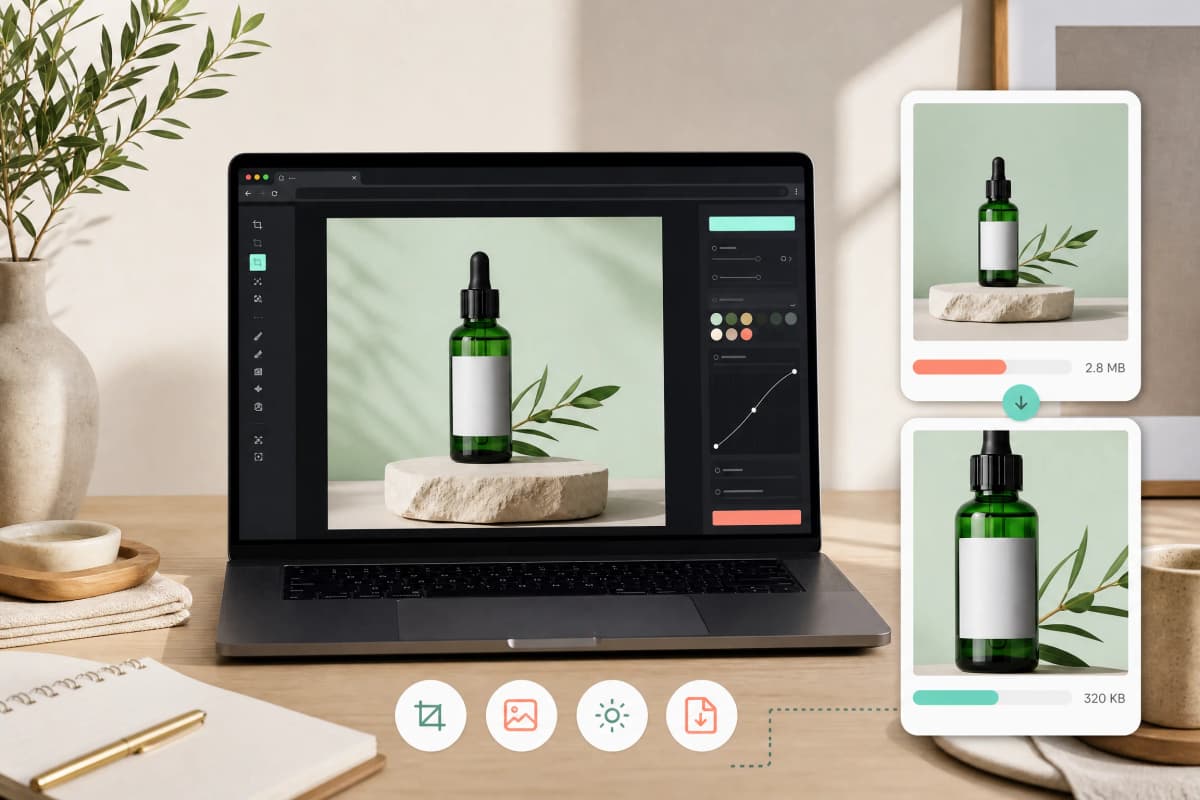
Compress Etsy listing images without losing visible detail by first getting framing, lighting, and background right, then choosing an appropriate file format and pixel dimensions, and finally applying conservative, inspected compression. For zoomable detail keep higher pixel counts and lighter compression; for thumbnails choose smaller dimensions and stronger compression. Inspect compressed files at 100 percent on desktop and on a phone. Automate a repeatable export preset once you confirm settings. Before large uploads, check Etsy's current photo guidance on the official help page because platform requirements can change: How to Add Photos to Your Listings.
Decision-first overview
Your compression choices depend on how buyers will use each photo.
- Zoom/detail shots: prioritize pixel count and low compression to preserve texture and fine details.
- Standard product shots: balance quality and file size with moderate resizing and compression.
- Thumbnails and grid views: prioritize smaller file size and faster loading; accept some loss of fine detail.
Make that decision per image rather than applying one setting to every photo.
Step-by-step workflow
- Capture sharp images
- Use steady camera support and good light.
- Fix focus and exposure at capture. Compression cannot restore out-of-focus detail.
- Nail framing and crop
- Crop tightly to show product scale and remove empty space.
- Keep consistent crop ratios across a product set so the shop grid looks cohesive.
- Make the background consistent
- Plain, uniform backgrounds hide compression artifacts better than busy scenes.
- For faster editing try Motionix’s background remover and read the product-photo background guide: Background remover and Product photo background removal.
- Choose file format
- JPEG: the safest universal choice for photographic product images.
- WebP: usually smaller files for similar quality. Confirm how Etsy displays WebP before switching wholesale.
- PNG: only for graphics or images needing transparency.
- Resize with intent
- Keep pixels where buyers will zoom. If you expect zoom, keep a higher long-side pixel count.
- For grid views reduce dimensions to speed loading.
- Compress in steps and inspect
- Export multiple quality steps (for example high, medium-high, medium) rather than one aggressive pass.
- Inspect at 100 percent on desktop and on a phone to see artifacts such as blocking, ringing, or banding.
- Save masters
- Keep a high-resolution original for future edits and re-exports if platform rules or shop needs change.
Recommended settings by shot type
| Shot type | Goal | File format | Compression approach | Quality note |
|---|---|---|---|---|
| Product detail (textures, jewelry) | Zoom and clarity | JPEG or WebP | Resize conservatively; light compression | Inspect at 100% for texture loss |
| Standard product shot | Accurate color and speed | JPEG | Moderate resize; medium compression | Balance edges and color fidelity |
| Lifestyle scene | Context and atmosphere | JPEG or WebP | Moderate compression; preserve color | Watch for banding in gradients |
| Thumbnails / grid | Fast browsing | JPEG or WebP | Smaller dimensions; stronger compression | Accept small loss of fine detail |
Practical compression checklist before uploading
- Crop to focus on the product.
- Use consistent backgrounds across related listings. See Background remover and Product photo background removal.
- Choose JPEG by default for photos; consider WebP after confirming how Etsy handles it.
- Resize to the smallest pixel dimensions that still support your primary use case.
- Compress in stepwise exports and inspect images at 100% on desktop and on mobile.
- Keep original masters for re-export.
Tools and automation
- Use batch export presets in your editor to ensure consistent framing, dimensions, and compression across many listings.
- Use an image compressor that provides side-by-side previews and adjustable quality sliders to compare before/after results. Try the Motionix image compressor and learn more about compressing without losing quality: Motionix image compressor and Compress images without losing quality.
- For background consistency, use Motionix’s background remover and then apply batch compression.
Trade-offs and rules of thumb
- When to choose lower compression: jewelry, fabrics, prints, or any product where buyers inspect texture or fine detail.
- When to accept higher compression: generic thumbnails and fast-browsing scenarios where load speed matters more than close inspection.
- Consider WebP to reduce file size but verify compatibility with Etsy uploads and how listings render across devices.
- Platform requirements and supported formats can change; always check Etsy’s official help before large-scale uploads: How to Add Photos to Your Listings.
Frequently asked questions
How should I compress Etsy listing images without losing detail?
Start with sharp, well-lit photos and a consistent background. Choose JPEG or WebP, resize to match the intended use (keep more pixels for zoom), compress in small quality steps, and inspect at 100% on desktop and on mobile. Keep original masters for future re-exports.
Which file format is safest for Etsy product photos?
JPEG is the safest universal choice for photographic product images. WebP can reduce file size while keeping similar quality. Verify how Etsy displays WebP before making a shop-wide change. Use PNG only when you need transparency.
How can I tell if I compressed an image too much?
Look at the image at 100 percent on desktop. Signs of over-compression include blocky artifacts, ringing around edges, loss of fine texture, and banding in smooth gradients. Check on a phone screen as well.
Should every listing use the same compression settings?
Use consistent defaults for shop cohesion, but make exceptions for detail-heavy items. For example, keep higher quality settings for jewelry and textiles and stronger compression for thumbnails.
Will compressed images harm my Etsy listing visibility?
Image quality can affect shopper understanding and conversion, but do not treat compression as a direct Etsy ranking lever. Prioritize clarity, follow Etsy’s current format and dimension guidance, and use the thumbnail-placement tool to check the crop.
Can I automate compression for hundreds of listings?
Yes. Create export presets and use batch-compression tools to apply consistent crops, sizes, and quality. Keep high-resolution masters so you can re-export if you change settings or if platform rules change.
Ready to test presets and compare before/after results? Try the Motionix image compressor.
References
- Requirements and Best Practices for Images in Your Etsy Shop (Etsy Help): official source
- 10 must-know image optimization tips (Shopify): official source
Publisher note: Motionix publishes this guide to help sellers optimize listing images. Platform rules and supported formats can change; always confirm current official requirements before large-scale uploads.
Related Motionix tools and guides
background remover · product photo background removal · compress images without losing quality
Keep reading
compress images for gmail and outlook ·
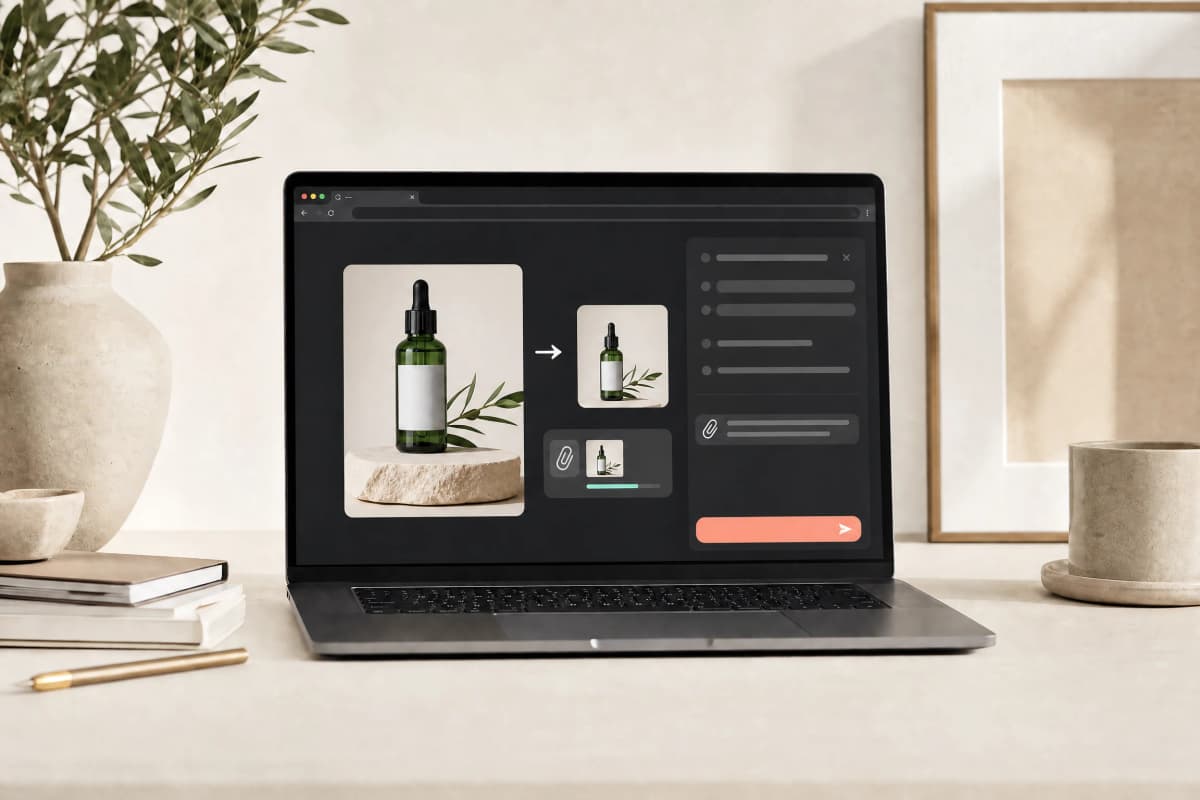
How to Compress Images for Gmail and Outlook Attachments
Step-by-step workflows to compress images for Gmail and Outlook attachments with choices that balance file size and readable detail. Includes target-size guidelines, format recommendations, quick tools, and a final quality checklist.
Read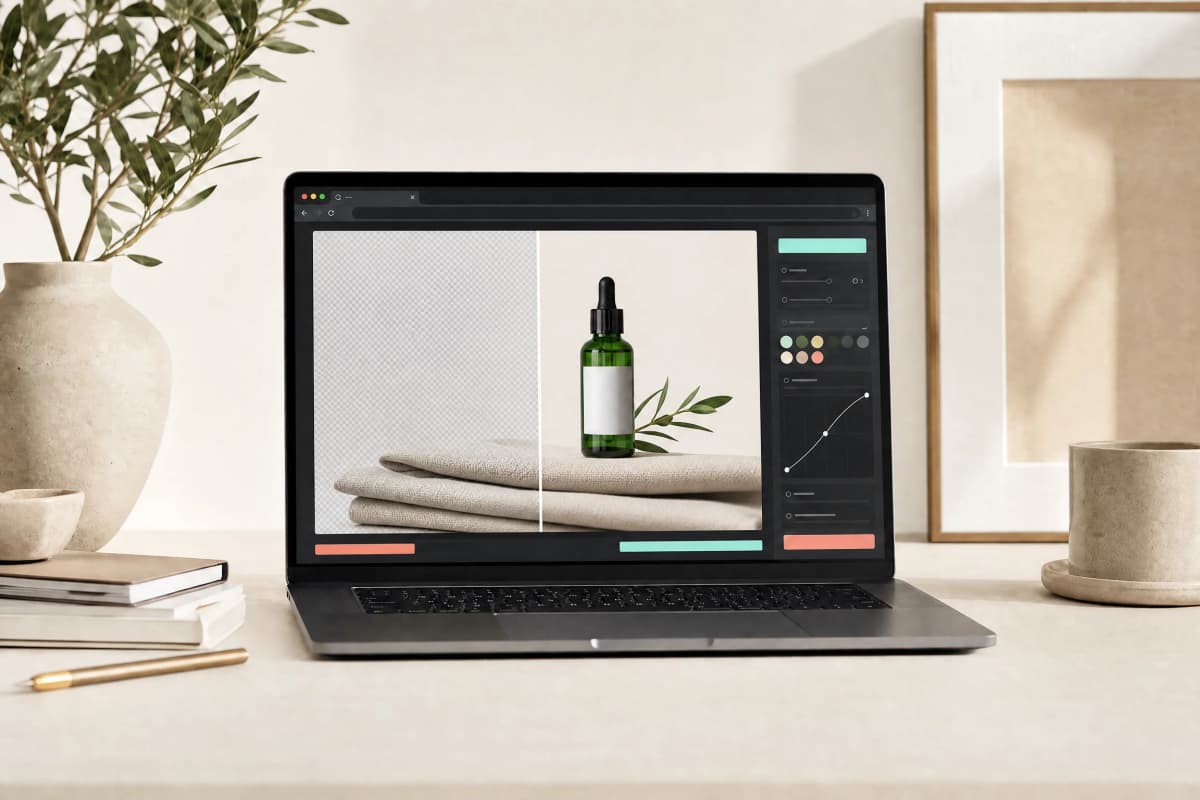
compress images for shopify ·
How to Compress Images for Shopify Product Pages
Practical workflow to crop, remove background, resize, choose format, compress, inspect, and upload product photos so they look sharp and load fast on Shopify product pages.
Read
video ·
Extract a Video Frame as PNG Without a Screenshot
Save a decoded video frame for a thumbnail or document, check the selected moment and dimensions, and avoid mistaking PNG export for video repair.
ReadConversation
Join the conversation
Share a useful question, correction, or practical tip. Comments are reviewed before they appear.
Loading…