
 Featured
video
Extract a Video Frame as PNG Without a Screenshot
Save a decoded video frame for a thumbnail or document, check the selected moment and dimensions, and avoid mistaking PNG export for video repair.
Read articleBlog
Practical image and video guides, workflow examples, and maintained specifications. Read the latest updates and use the linked tools.
65 articles
Featuredvideo
Save a decoded video frame for a thumbnail or document, check the selected moment and dimensions, and avoid mistaking PNG export for video repair.
Read article
Work out whether subtitles need a constant shift or two-point drift correction, then check the repaired SRT or VTT against your actual video.
Read articleCreate a timestamped grid of video frames, choose sampling that suits your review, and understand what a contact sheet can miss.
Read articleFind malformed subtitle blocks, distinguish errors from intentional overlaps, and review styling or metadata losses before exporting SRT or WebVTT.
Read article
Separate export clipping, platform cropping, and interface overlap before repositioning text in a Reel or Short. Check the final video in context.
Read article
Understand MP4, MOV, WebM, H.264, and HEVC; distinguish metadata inspection, decoding, remuxing, and transcoding before changing a video.
Read articleDiagnose PowerPoint video problems by checking codecs, audio, file access, and the destination version rather than relying on the filename extension.
Read articleUnderstand advisory video margins, distinguish ad templates from organic posts, and check important text against changing interface overlays.
Read article
Separate existing HEIC photos, future JPEG captures, and conversion during sharing or USB import. Apple settings explained with their limits.
Read articleExport one HEIC photo or a selection as JPEG in Mac Preview. Choose quality and a separate output folder, then check copies without replacing originals.
Read articleCannot open an iPhone HEIC on your PC? Check HEIF and HEVC extensions, then export JPEG with a compatible app while keeping your original.
Read article
Choose an image format by transparency, compatibility, visual detail, and measured bytes instead of assuming one extension is always best.
Read article
Separate file-format conversion, byte-size compression, and pixel resizing so you can meet an upload requirement without unnecessary quality loss.
Read article
Make a PNG copy when an editor requires it, understand larger output files, and avoid confusing format conversion with sharpening or background removal.
Read article
Create a WebP alternative to a JPEG, compare visible detail and actual bytes, and check your CMS and browser delivery before replacing a website image.
Read article
Convert a PNG to a real JPEG, choose how transparency is flattened, inspect fine details, and avoid common upload and quality mistakes.
Read article
Distinguish alpha from painted backgrounds, choose a format that keeps transparency, and check cutout edges without confusing the preview grid with pixels.
Read article
Create an actual JPEG from a WebP image for older editors and upload forms, then check transparency, dimensions, quality, and the destination rules.
Read article
Convert a still WebP graphic into PNG for editing, inspect transparent edges correctly, and understand larger output files and animation limitations.
Read article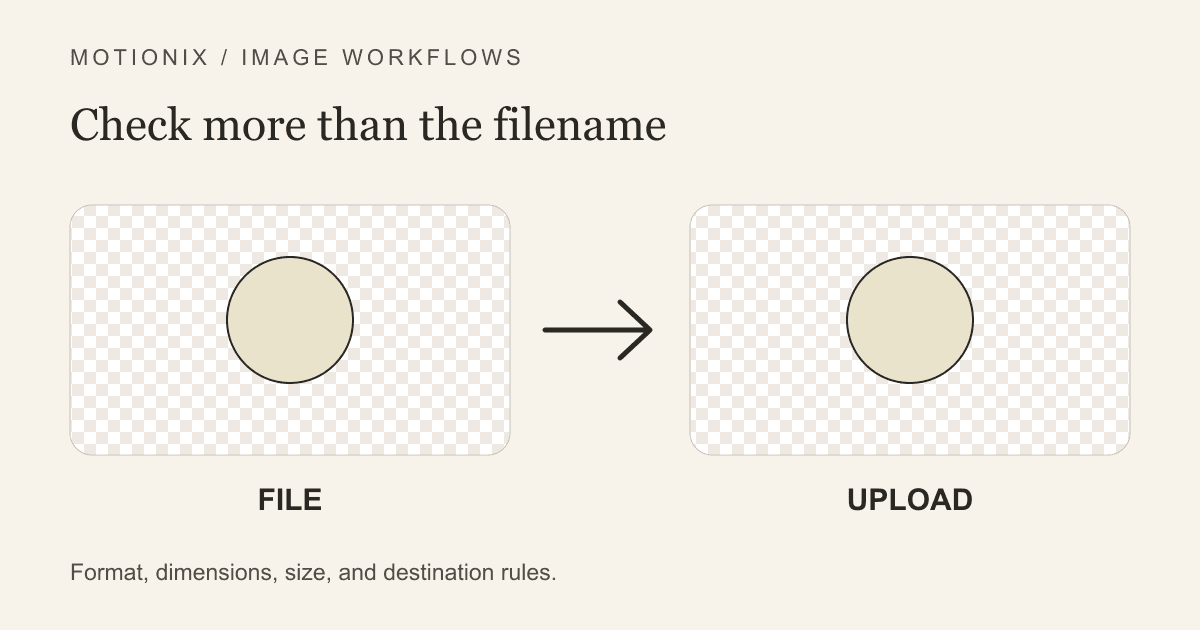
Troubleshoot a converted image that still fails upload by checking its real format, byte size, dimensions, content requirements, and destination behavior.
Read article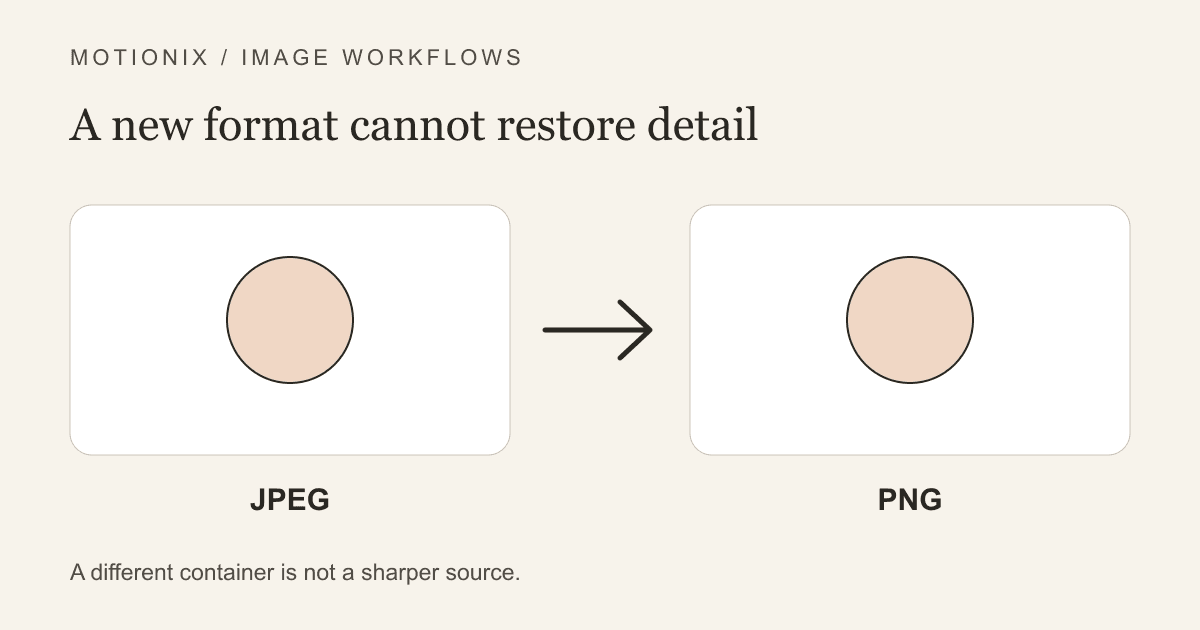
Understand why a larger PNG cannot recover JPEG detail, how to compare equal-size images, and when a lossless-format copy still helps an editing workflow.
Read article
Choose a useful Outlook signature image size, resize a logo or headshot, fix blurry pictures, and test PNG or JPG in desktop and mobile email.
Read article
Browser-first mobile workflow to reduce image file size on your phone. Decision guide: resize vs compression, step-by-step in-browser instructions, privacy and download notes, what to do when a target KB is impossible.
Read article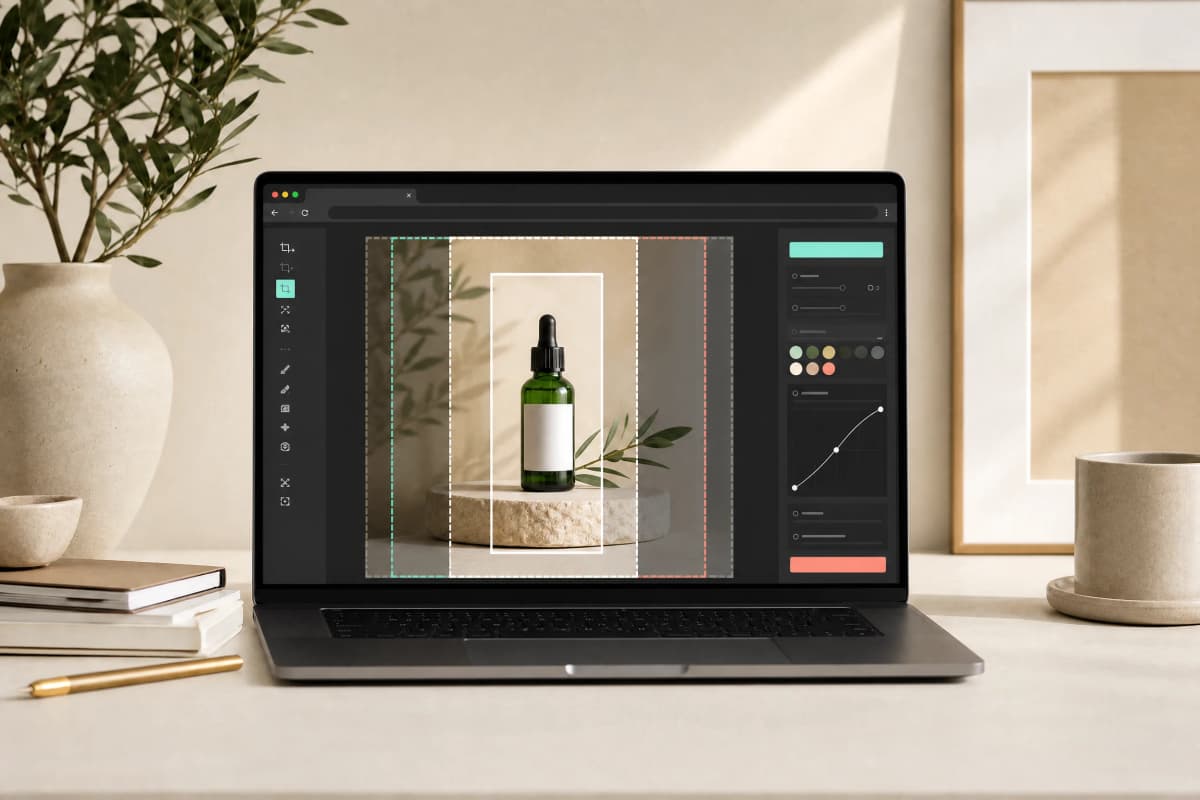
Practical specification guide for creating Instagram Story and Reels covers in 2026: official size references, safe zones, export tips, step-by-step resizing workflow, and a short quality checklist.
Read article
Step-by-step guide to make transparent PNGs from any image: explains alpha transparency, why JPEG can't store transparency, methods to remove backgrounds, how to check edges (checkerboard), and how to export without flattening. Includes PNG vs WebP note, practical tips, a short quality checklist, FAQs, and Motionix tool CTA.
Read article
Practical specification guide for choosing and exporting the right LinkedIn profile picture size, crop, and quality — separates LinkedIn's official guidance from Motionix export defaults, explains square crop, face-safe margins, lighting, and why higher-resolution sources withstand recompression.
Read article
Practical, decision-oriented guide showing when to use automatic tools and when to call a manual editor to remove background from hair and fur. Includes step-by-step workflow, trade-offs table, halo cleanup tips, edge inspection checklist, FAQs, and a Motionix CTA.
Read article
A practical, decision-first guide to removing clutter and backgrounds from real estate photos without misleading buyers. Covers when to remove backgrounds, step-by-step workflow for safe edits, tooling notes, and a short quality checklist.
Read article
Practical, decision-focused guide to compress Etsy listing images without losing detail. Covers clarity, framing, background consistency, pixel dimensions, formats, visual inspection, and batch workflows. Includes a short checklist, a comparison table of recommended settings, FAQs, and a Motionix tool CTA.
Read article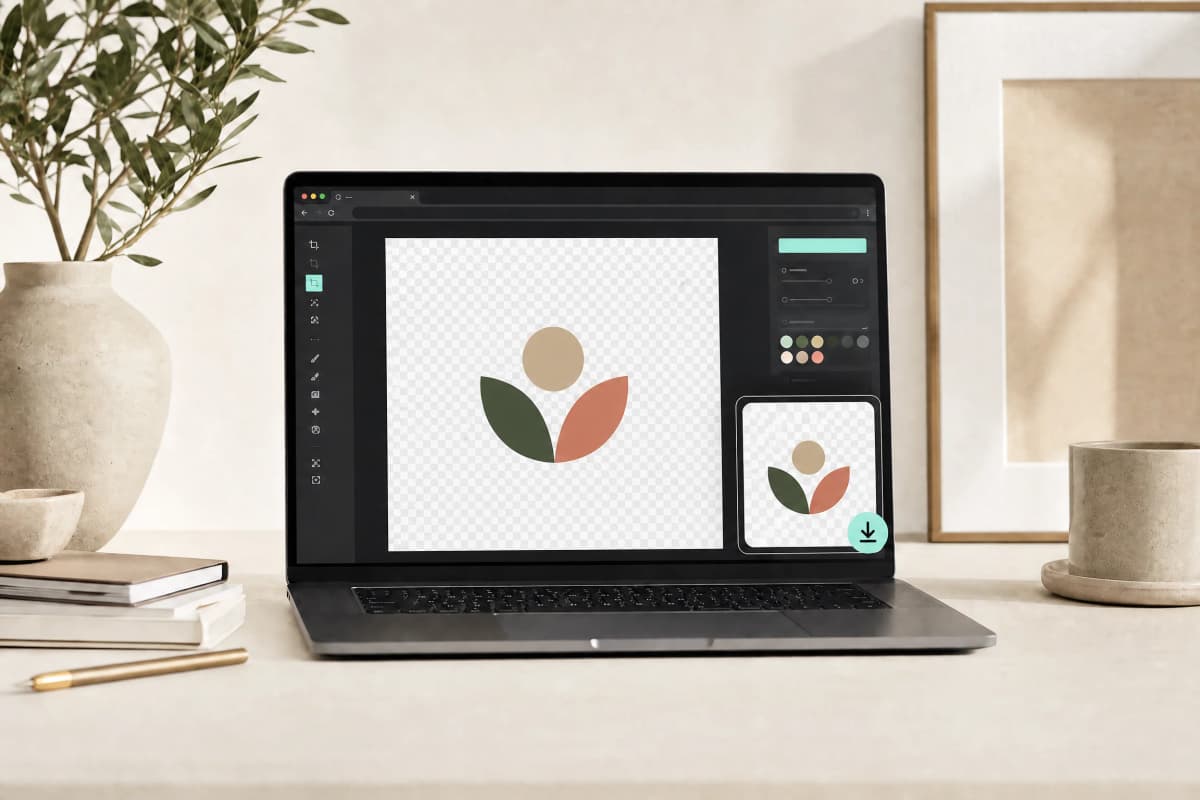
Step-by-step guide to remove background from logo while preserving clean edges, anti-aliased outlines and small text. Compares automated tools, raster editing, and vector export; includes a quality checklist and FAQs.
Read article
Step-by-step workflows to compress images for Gmail and Outlook attachments with choices that balance file size and readable detail. Includes target-size guidelines, format recommendations, quick tools, and a final quality checklist.
Read article
Practical workflow to crop, remove background, resize, choose format, compress, inspect, and upload product photos so they look sharp and load fast on Shopify product pages.
Read article
A fair, practical roundup of seven Clipping Magic alternatives for faster background removal. Covers browser-first and cloud tools, trade-offs (privacy, manual controls, hair, batch, export), and a decision table to help you pick the right tool.
Read article
Clear, decision-first guide that explains the practical differences between an image compressor and an image resizer, when to use each, when to use both, and a worked example showing steps and trade-offs.
Read article
Decision-led roundup comparing 10 free or limited-free image compressors in 2026. It separates browser-local tools from upload-based services, flags current feature and plan caveats, and gives a practical selection guide.
Read article
Make a GIF from MP4 or WebM in your browser. Compare Motionix quality presets, trim a short loop, reduce file size, and troubleshoot failed exports.
Read articleResize dozens or hundreds of images to the same dimensions in one operation.
Read article
Shrink images before uploading to WordPress, Squarespace, Wix, and other CMS platforms.
Read article
Data-backed tips for a LinkedIn photo that gets more profile views and connection requests.
Read article
Image optimization for Core Web Vitals — formats, compression, lazy loading, and responsive images.
Read article
Maintain aspect ratio when resizing photos — avoid the stretched, squished, or distorted look.
Read article
Convert screen-resolution images to print-ready files with the correct DPI and dimensions.
Read article
MP4, MOV, WebM, AVI — when to use each video format and what makes them different.
Read article
How to isolate individual people from group photos for headshots, profiles, and composites.
Read articleDecide whether a resume photo fits the application, then crop, resize, and review an existing portrait without changing your appearance.
Read article
Common causes of blurry web images — resolution, compression, scaling, and Retina displays.
Read articlePNG compression techniques that reduce file size while preserving the alpha channel for transparent images.
Read articleNo DSLR? No problem. Your smartphone can take headshots good enough for LinkedIn, resumes, and business cards.
Read article
Tips for getting clean cutouts of cats, dogs, and other pets — handling fur, ears, and tricky edges.
Read article
What happens to your files when you use online image tools — and why browser-based processing is the safer choice.
Read articleA practical comparison of AI-powered background removal and manual Photoshop editing — speed, quality, cost, and use cases.
Read article
Exact dimensions and file requirements for student ID photos across major application platforms.
Read articleA practical guide to image formats — when to use each one, what they're good at, and what they can't do.
Read articleStep-by-step guide to creating clean product photos with transparent or white backgrounds for Etsy, Shopify, and Amazon.
Read articleWhen a portal says 'under 50 KB' or 'maximum 100 KB' — here's how to hit the exact file size target.
Read article
Choose a video size target, resolution limit, and audio settings; export MP4 or WebM when browser codecs are available and verify the result.
Read article
Electronic signatures and digital signatures are often confused. Here's how they differ and when to use each.
Read article
Compare verified US printed, French identity-photo, UK digital and India passport guidance. Learn why dimensions alone cannot establish acceptance.
Read articleEverything you need to know about removing backgrounds from photos — tools, techniques, AI models, and when to use each approach.
Read articleExact dimensions for Instagram, Facebook, X, LinkedIn, TikTok, and YouTube profile photos, posts, and covers.
Read articleThe science behind image compression — lossy vs lossless, quality settings, and how to shrink files by 60-80% without visible degradation.
Read articleDraw or upload a signature image, export a transparent PNG or drawn SVG, and understand why an image is not certificate-based PDF signing.
Read articleServer-side image manipulation used to be the default. Browser-native tooling now means we never see your file.
Read articleA side-by-side comparison of WebCodecs and ffmpeg.wasm for in-browser video compression in 2025-26.
Read articleHow local image and video processing changes Motionix's infrastructure needs, what still has a cost, and which tradeoffs matter on your device.
Read article