
Jump to
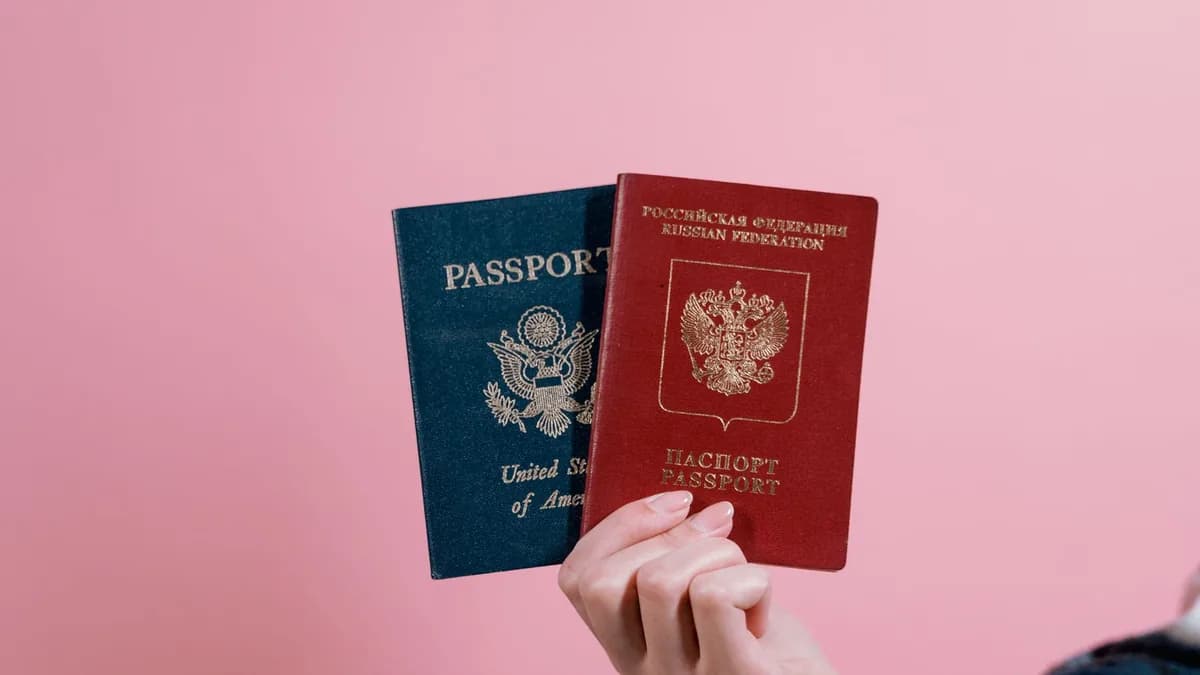
A photo can have the requested dimensions and still be unsuitable for a passport. The issuing authority, the document and the application channel determine the rules: a printed US passport photograph is not the same submission as a UK digital passport photo or a visa upload.
This guide covers four specific official sources checked on 4 November 2026. It is a starting point for reading those instructions, not a compliance assessment or a promise of acceptance. Keep your original photograph and check the current instructions for your own application before editing anything.
Start with the document and application channel
Before choosing a preset, establish who will receive the photograph and how you must supply it. Look for the issuing authority's instructions for your exact passport application, renewal or consular service. Do not borrow requirements from a visa page, a different country or a similarly named upload form.
| Scope of the source | Dimensions stated | Background | Important restriction |
|---|---|---|---|
| US printed passport photo | 2 x 2 inches | Plain white or off-white | Printed-photo guidance does not establish digital-upload specifications |
| France passport or identity-card photo | 35 x 45 mm | Plain and light-coloured; white prohibited | Authorised professional or approved photo booth required |
| UK digital passport photo | At least 600 pixels wide and 750 pixels tall | Plain and light-coloured | Unaltered by software; do not crop an own-device photo |
| India Passport Seva photograph guidance | 630 x 810 pixels | White | Unaltered by software; check the applicable submission route |
These are not interchangeable templates. The following sections explain what each source does, and does not, establish.
United States: printed passport photographs
The US Embassy in France's passport-photo guidance specifies one colour photograph printed on photo-quality paper, measuring 2 x 2 inches. It gives a head height of 1 to 1 3/8 inches, approximately 25 to 35 mm, measured from the bottom of the chin to the top of the head.
The photograph must have been taken within the last six months and show your current appearance. The source specifies a plain white or off-white background, a full-face view, a neutral expression and both eyes open. Eyeglasses should be removed; the page describes a medical exception requiring a signed statement from a medical professional.
This is guidance for a printed US passport photograph. It does not establish that a 600 x 600 pixel file is suitable for every US digital passport application, online renewal or visa service. Check the instructions for that service separately, including its file-format, file-size and editing rules. This summary is not permission to submit a retouched or AI-generated photo. The embassy explicitly leaves acceptance to the US passport agency.
France: an authorised professional or approved booth
Service Public's identity-photo requirements cover French passports and identity cards. The photograph must be recent, taken less than six months before the application, and resemble you. It must be taken by an authorised professional or in a booth using a system approved by the Ministry of the Interior.
The required print dimensions are 35 mm wide by 45 mm high. The face must measure 32 to 36 mm from the bottom of the chin to the top of the skull, excluding hair.
The background must be plain and light-coloured, such as light blue or light grey. White is prohibited. The photograph must be clear, without shadows on the face or background, with the head straight, a neutral expression and the mouth closed. The official page also details visibility of the face and eyes and conditions for wearing glasses.
Resizing a home photograph to 35 x 45 mm does not satisfy the professional-or-approved-booth requirement. Neither a generic "Schengen" preset nor a white-background export establishes suitability for a French passport. Follow the official page's link to find an authorised photographer or approved booth rather than trying to repair an unsuitable photograph with background replacement.
United Kingdom: digital photos and the no-crop rule
GOV.UK's digital passport-photo guidance requires a new photo taken within the last month. It must be clear, in focus, in colour and unaltered by computer software.
The digital photo must be:
- At least 600 pixels wide and 750 pixels tall.
- At least 50 KB and no more than 10 MB.
- Taken against a plain light-coloured background, with clear contrast between you and the background.
- Free of other people or objects, red eye and shadows on your face or behind you.
If you use your own device, GOV.UK says to include your head, shoulders and upper body. Do not crop the photo: the application will do that for you. Minimum pixel dimensions are not an instruction to resize or crop it first.
Use the official capture or photo-code workflow. Do not use Motionix's dimension helper, resizer or compressor to prepare an own-device UK digital passport photograph. These digital instructions should not be substituted for the separate requirements for printed UK passport photos.
India: what the Passport Seva PDF specifies
The official Passport Seva PDF, Guidelines for ICAO Compliant Photographs for Passport Applications, specifies a colour photograph measuring 630 x 810 pixels, with a white background. It states that photographs should be unaltered by computer software.
The PDF describes a close-up of the head and top of the shoulders, with the face occupying 80-85% of the photograph. It also calls for natural skin tones, appropriate brightness and contrast, visible eyes, a closed mouth, uniform lighting and no distracting shadows. Those are requirements for the photograph, not evidence that a cropping tool measures or validates them.
The document concerns photograph capture or upload for passport services. It does not provide a file-size window or explain every online and consular submission route. Do not infer a universal upload limit, JPEG setting or permission to edit from its pixel dimensions. Confirm the current instructions with the portal or consulate handling your application, particularly if another page gives different specifications.
A legacy 350 x 350 square preset is not verified by this PDF. Changing that preset to a larger rectangle would not, by itself, meet the requirements for framing, lighting or an unaltered image.
Pixel dimensions and print size are different
Pixel dimensions describe the image grid. Print size describes its physical width and height on paper. Resolution metadata can suggest a printing density, but it does not ensure that a printer will use the intended scale.
For example, 600 pixels divided by 300 pixels per inch equals 2 inches. A 600 x 600 pixel image therefore corresponds to a 2 x 2 inch print at that scale. This is dimension arithmetic, not a US digital-upload rule or proof that the head, background, capture method and image quality are acceptable.
Cropping removes part of a photograph. Resizing can resample its pixels, and re-encoding creates another file. A mode labelled "no AI" is not an untouched-original mode. Retain the original so that you can use the authority's own workflow without depending on an edited copy.
What Motionix can and cannot establish
The Motionix passport photo dimension helper is a framing and sizing utility, not an approval service. Its legacy country presets are not certification of current government requirements. Format-only processing does not measure head height, validate lighting or decide whether a photograph will be accepted.
Do not choose the nearest-looking country preset. Do not use AI background replacement as a passport-compliance shortcut. The UK instructions and the India PDF explicitly require images unaltered by software; the French instructions require an authorised capture route.
Only when the issuing authority explicitly permits the relevant modification may a photo resizer help with specified pixel dimensions or an image compressor help with a stated file-size limit. Neither checks official compliance, and a smaller file can involve a quality trade-off. Those links are not alternatives to the UK no-crop workflow or to any unaltered-image requirement.
Before you submit
- Confirm the authority, document and application channel against its current official instructions.
- Check whether the photo must come from a professional, an approved booth or an official capture workflow.
- Check the background, framing, expression, recency and any applicable exceptions in that source.
- Separate physical print dimensions from digital pixel dimensions and upload limits.
- Check whether any modification is permitted before cropping, resizing, compressing or replacing a background.
- Keep the original and let the issuing authority determine acceptance.
Keep reading
video ·
Extract a Video Frame as PNG Without a Screenshot
Save a decoded video frame for a thumbnail or document, check the selected moment and dimensions, and avoid mistaking PNG export for video repair.
Read
subtitles ·
Fix Subtitle Timing: Offset or Gradual Drift?
Work out whether subtitles need a constant shift or two-point drift correction, then check the repaired SRT or VTT against your actual video.
Readvideo ·
Make a Video Contact Sheet for a Useful Visual Overview
Create a timestamped grid of video frames, choose sampling that suits your review, and understand what a contact sheet can miss.
ReadConversation
Join the conversation
Share a useful question, correction, or practical tip. Comments are reviewed before they appear.
Loading…