
Jump to
Start with the destination, not the extension
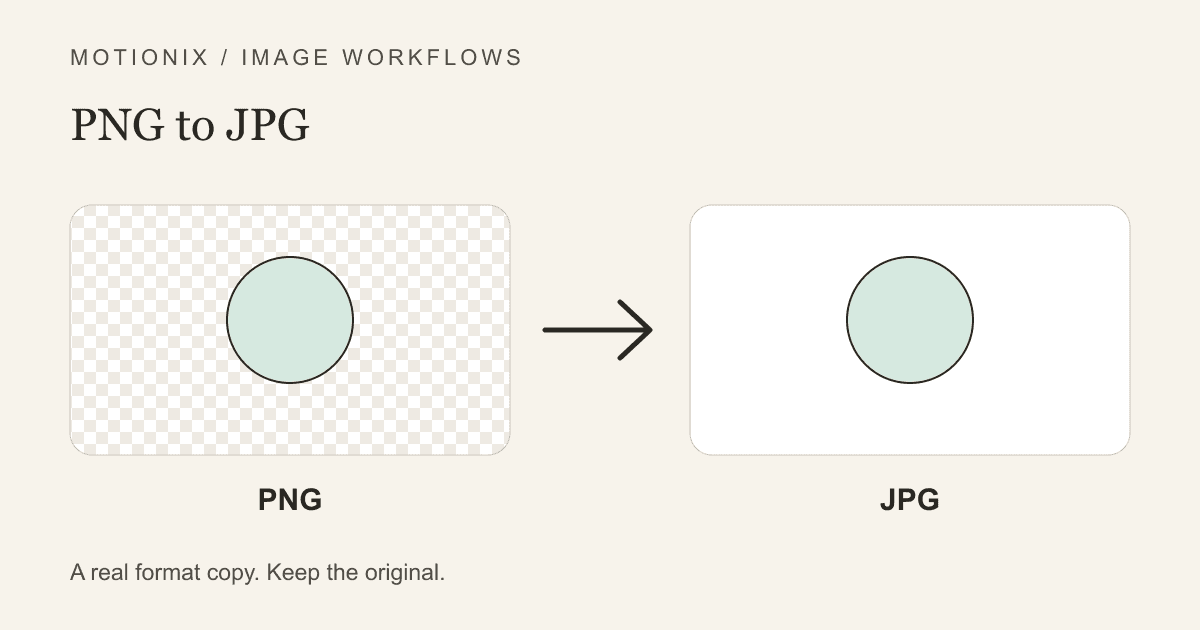
Use PNG to JPG when you need an actual JPEG copy of a PNG, such as a photograph for a JPG-only editor. Pick the background before converting transparent artwork. JPEG cannot retain transparent pixels, and conversion is not automatically a reduction in file size.
If the recipient already accepts your PNG and the file is practical, keep it. A screenshot with tiny lettering can look worse after JPEG compression even if it becomes smaller. The MDN format guide distinguishes JPEG's photographic use from PNG's lossless compression and alpha support.
A reliable PNG-to-JPG workflow
- Keep the original PNG somewhere you can find it again. The converted JPEG should be a separate copy.
- Open the dedicated converter and select a PNG up to 10 MB. The tool checks the file header as well as asking the browser to decode it.
- Choose JPEG background. White works for a white page; a colored card may require a matching color instead.
- Start with the displayed encoder quality. Do not treat the percentage as a promise of a particular byte size.
- Select Convert to JPG. Compare the source and result at equal displayed size, then inspect fine edges closely.
- Download the JPEG and try it in the destination. Check any separate dimension, byte, or content requirement.
The default keeps original dimensions. Fit longest side optionally reduces images proportionally without enlargement; it is not a cropper. Use the photo resizer when a destination requests an exact frame. Accepted images must also fit the displayed dimension and pixel-count limits, because a small compressed file can decode into a large bitmap.
What transparent and semitransparent pixels become
Transparent PNG areas contain alpha information rather than a mandatory white background. During JPEG export, that alpha is composited against your selected color. A partially transparent shadow can therefore look different on cream than on white. Fine antialiased lettering can have the same issue.
For example, a dark logo intended for a pale card should be previewed against that card's actual color. Flattening it onto white and placing it on the pale card later leaves a visible white rectangle. Conversely, flattening a white logo onto white may make it disappear. The background picker is a design choice, not a way to generate compliance with a form's rules.
If you need the artwork over several backgrounds, keep PNG. Read preserving transparency during conversion before flattening your only reusable copy. Converting the JPEG back with JPG to PNG does not recover its old alpha channel.
Quality checks that catch actual problems
| Inspect | Why it matters | What to change |
|---|---|---|
| Small letters and diagonal strokes | JPEG can create halos or rough edges | Increase quality, or keep PNG for precise graphics |
| Hair and soft shadows | Alpha blending depends on the background | Choose a suitable color before flattening |
| Pixel dimensions | Conversion alone does not satisfy a required frame | Resize a separate copy |
| Downloaded bytes | A valid JPEG may still exceed a cap | Compress only when the recipient requires it |
| Orientation and color | Browser rendering is not an archival metadata copy | Keep the source for managed editing or print |
Avoid judging only a tiny thumbnail. A file that seems fine there may have unreadable lettering when placed in a document. Start each trial from the PNG, not from a JPEG you just downloaded: repeated lossy exports can accumulate damage.
Why renaming is not conversion
Changing logo.png to logo.jpg leaves the PNG byte stream untouched. A recipient that examines the file can reject the mismatch. Real conversion decodes pixels and writes a JPEG stream. Motionix also checks the output MIME type, since Canvas export can fall back to PNG when a requested encoder is unsupported.
Format conversion and byte reduction solve different problems. The conversion versus compression guide explains when to use the image compressor rather than change formats repeatedly.
Frequently asked questions
Can I convert a group of product PNGs together?
Yes. Add up to 20 still images, each up to 10 MB, within a 100 MB input queue. Choose a common JPEG background and quality, then convert. Select individual results to inspect shadows and lettering. Use a filename prefix if useful and Download ZIP for the ready images; duplicate names get numbered. A failed image does not discard the successful ones. The result/ZIP limit is 100 MB, so download and remove completed files before retrying a batch that reaches it.
Does PNG to JPG always make a smaller file?
No. Photographs often suit JPEG, but the source encoding, content, and chosen quality affect the result. Compare actual bytes without assuming a guaranteed percentage saving.
Can I preserve the transparent background in JPG?
No. Choose PNG or another alpha-capable format if transparency is part of the job. A solid JPEG background cannot later be turned back into the original alpha by changing formats.
Does conversion preserve all metadata?
No. This is a browser-rendered copy, not a transcode designed to preserve every EXIF, ICC, or print field. Keep the original for archival or professionally color-managed work.
Is my image sent to a server?
No upload is required for this conversion. The site still loads application code and respects your separate analytics consent. Download the output before closing the tab; it is not automatically backed up.
Keep reading
transparency ·
Preserve Transparency When Converting Image Files
Distinguish alpha from painted backgrounds, choose a format that keeps transparency, and check cutout edges without confusing the preview grid with pixels.
Read
image conversion ·
Image Conversion vs Compression: Solve the Right Problem
Separate file-format conversion, byte-size compression, and pixel resizing so you can meet an upload requirement without unnecessary quality loss.
Read
png ·
How to compress PNG files without losing transparency
PNG compression techniques that reduce file size while preserving the alpha channel for transparent images.
ReadConversation
Join the conversation
Share a useful question, correction, or practical tip. Comments are reviewed before they appear.
Loading…