
GIF 制作
Turn a video into an animated GIF in your browser. No account, no mystery upload, no watermark.
工作原理
Drop a video
Use an MP4, MOV, WebM, or MKV up to 500MB and 5 minutes. The file is checked locally before frames are read.
Keep the good bit
Scrub the thumbnail timeline, set exact start and end points, and choose a canvas.
Tune the recipe
Pick a frame-rate budget: Lightweight keeps up to 60 seconds, Balanced up to 30, and Crisp up to 15.
Download the loop
We validate the animated output, then hand you a GIF without an account wall.
人们用它来……
Reaction loops
Capture the one expression, punchline, or tiny victory that deserves to loop forever.
Social snippets
Turn a short clip into a compact visual for posts, replies, and community chats.
Product moments
Show a small interaction, animation, or product detail without sending a full video.
Private footage
Convert personal or client footage locally when a server upload is not necessary.
支持
 MP4
 MOV
 WebMMKVMKVGIFGIF
查看实际效果
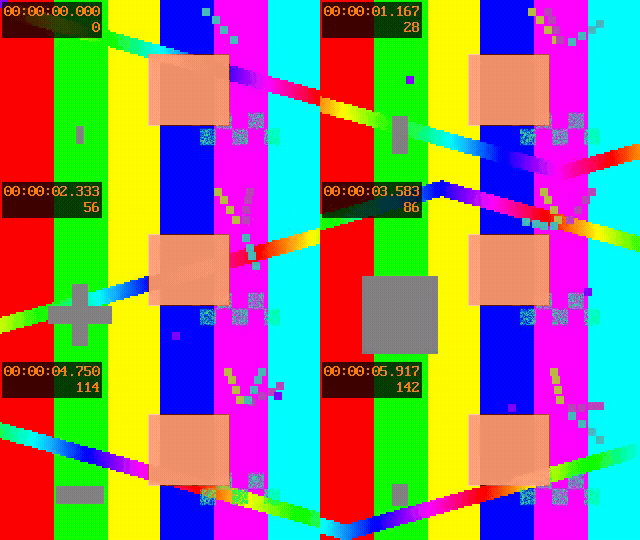
MP4 · 320×180 · 6.0s · 168 KB
处理后
GIF · 320×180 · 6.0s · 692 KB
MP4 · 320×180 · 5.0s · 8 KB

处理后
GIF · 320×180 · 5.0s · 16 KB
处理前
A 12-second phone clip
处理后
A trimmed, looping reaction GIF ready to download
处理前
A wide product interaction
处理后
A compact GIF with a social-friendly canvas
Privacy & security
Your source video stays in your browser while Motionix reads frames and builds the GIF. Optional share links are separate and temporary.
Processing
Browser-only
Upload required
No
Data retention
No retention — source videos are processed locally and never uploaded
开始之前
- •Maximum source size: 500MB
- •Maximum source duration: 5 minutes
- •Export budgets: 60 seconds Lightweight, 30 seconds Balanced, 15 seconds Crisp
- •Maximum output size: 25MB
- •GIFs have no audio and use an indexed color palette
- •Very large canvases or complex footage may produce large outputs
常见问题。
Drop a video into Motionix, set the start and end points, choose a quality recipe, and select Create my GIF. The animated file is built in your browser and can be downloaded when it is ready.
The first release accepts MP4, MOV, WebM, and MKV files. Your browser still needs to be able to decode the video; if it cannot, Motionix explains the problem before processing.
No. GIF creation runs locally in your browser. The source video is not retained by Motionix. An optional temporary share-link action is separate from the local download.
Motionix accepts source videos up to 5 minutes and 500MB. The selected clip can be up to 60 seconds in Lightweight, 30 seconds in Balanced, or 15 seconds in Crisp so the browser can finish reliably.
Yes. Use the file picker from your phone, scrub the touch-friendly timeline, choose a recipe, and download the result. Keep the tab open while the browser processes the frames.
No. GIF is an image-animation format, so audio is not included. Keep the original video when sound matters.